

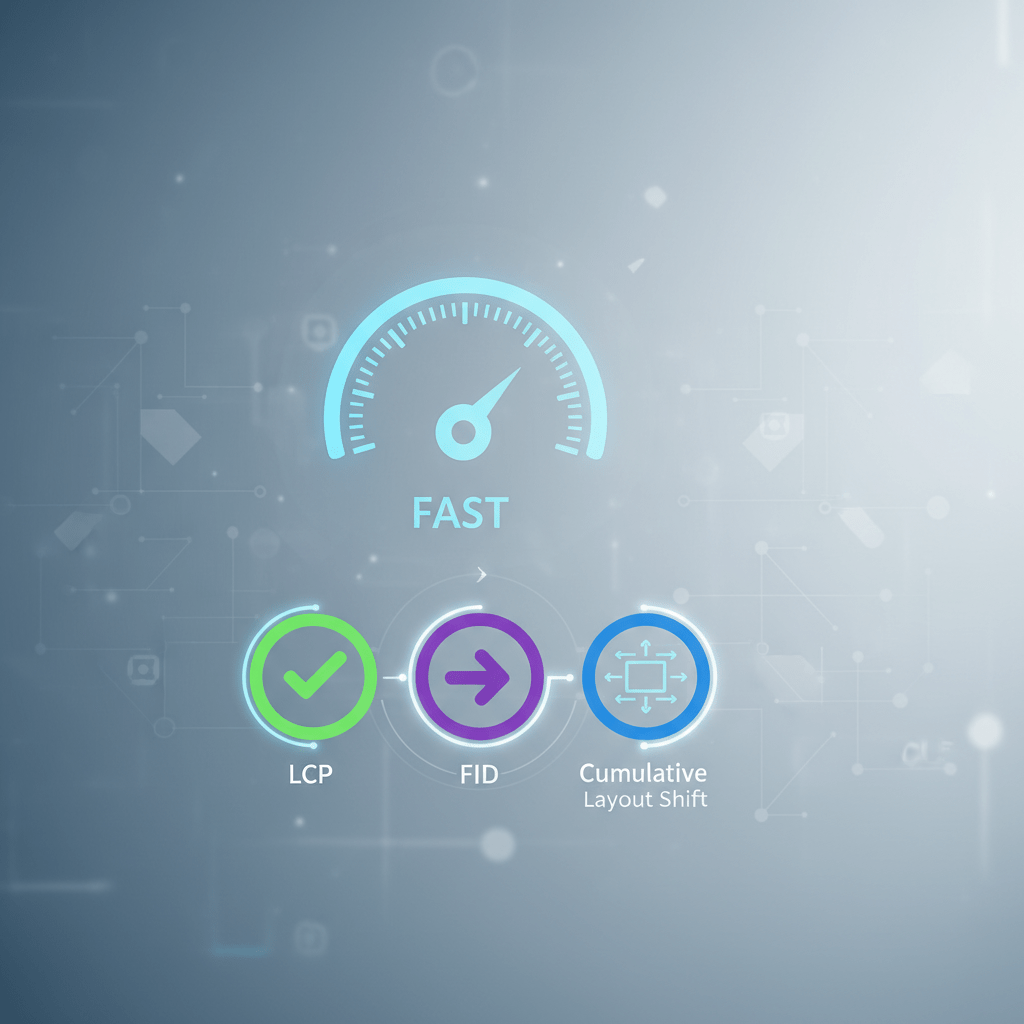
Website Speed Optimization: Understanding Core Web Vitals
In today’s digital landscape, website speed is no longer a mere convenience; it’s a critical factor influencing user experience, search engine rankings, and ultimately, your bottom line. Slow-loading websites frustrate visitors, leading to higher bounce rates and lost conversions. Search engines like Google prioritize fast websites, rewarding them with better visibility in search results. That’s where Core Web Vitals come into play.
Core Web Vitals are a set of specific factors that Google considers important in a website’s overall user experience. They measure aspects of web pages like loading speed, interactivity, and visual stability. Optimizing your website for these vitals isn’t just about technical tweaks; it’s about creating a seamless and enjoyable experience for your users.
Why Core Web Vitals Matter
- Improved User Experience: A faster website leads to happier visitors who are more likely to engage with your content and convert into customers.
- Enhanced SEO Rankings: Google uses Core Web Vitals as a ranking signal, meaning faster websites are more likely to rank higher in search results.
- Increased Conversions: A smooth and responsive website encourages users to complete desired actions, such as making a purchase or filling out a form.
- Reduced Bounce Rate: Visitors are less likely to leave a slow-loading website, decreasing your bounce rate and improving overall engagement.
Decoding the Core Web Vitals
Google’s Core Web Vitals consist of three key metrics:
Largest Contentful Paint (LCP)
Largest Contentful Paint (LCP) measures the time it takes for the largest content element visible within the viewport to render on the screen. This could be an image, video, block of text, or any other large element. Essentially, it tells you how long it takes for users to see the main content of your page.
Ideal LCP Score: 2.5 seconds or less
What affects LCP?
- Slow server response times: The longer it takes your server to respond to a request, the longer it takes for the browser to start rendering content.
- Render-blocking JavaScript and CSS: These resources can delay the rendering of the main content.
- Resource load times: Large images and videos can take a long time to load, impacting LCP.
- Client-side rendering: If your website relies heavily on JavaScript to render content, it can increase LCP.

First Input Delay (FID)
First Input Delay (FID) measures the time it takes for the browser to respond to a user’s first interaction with your website. This could be clicking a link, tapping a button, or using a custom JavaScript control. FID quantifies the responsiveness of your website, indicating how quickly users can start interacting with your page.
Ideal FID Score: 100 milliseconds or less
What affects FID?
- Heavy JavaScript execution: Long-running JavaScript tasks can block the main thread, preventing the browser from responding to user input.
- Third-party scripts: Ads, analytics scripts, and other third-party scripts can consume significant processing power, impacting FID.
It is important to note that FID is a field metric which means it can only be measured with real users. If you are looking for a lab metric to help diagnose and improve interactivity, consider using Total Blocking Time (TBT) as a proxy.
Cumulative Layout Shift (CLS)
Cumulative Layout Shift (CLS) measures the visual stability of your website by quantifying the amount of unexpected layout shifts that occur during the loading process. These shifts can be frustrating for users, as they can cause them to lose their place or accidentally click the wrong element.
Ideal CLS Score: 0.1 or less
What affects CLS?
- Images without dimensions: If images don’t have specified width and height attributes, the browser may not reserve enough space for them, leading to layout shifts when they load.
- Ads, embeds, and iframes without dimensions: Similar to images, these elements can cause layout shifts if their dimensions aren’t specified.
- Dynamically injected content: Inserting content above existing content can push it down, causing a layout shift.
- Fonts causing FOIT/FOUT: Flash of Invisible Text (FOIT) and Flash of Unstyled Text (FOUT) can occur when custom fonts take a long time to load, leading to layout shifts as the text is rendered.
Tools for Measuring Core Web Vitals
Several tools can help you measure and analyze your website’s Core Web Vitals. Here are a few popular options:
- Google PageSpeed Insights: This tool provides a comprehensive analysis of your website’s performance, including Core Web Vitals, and offers recommendations for improvement. PageSpeed Insights
- Google Search Console: This tool provides valuable data about your website’s performance in Google Search, including a Core Web Vitals report. Google Search Console
- WebPageTest: This tool allows you to test your website’s performance from different locations and browsers, providing detailed insights into various performance metrics. WebPageTest
- Lighthouse: Lighthouse is an open-source, automated tool for improving the quality of web pages. You can run it in Chrome DevTools, or as a Node command line tool. Lighthouse
Strategies for Optimizing Core Web Vitals
Once you’ve identified areas for improvement, you can implement various optimization strategies to improve your Core Web Vitals scores. Here’s a breakdown of techniques for each metric:
Optimizing Largest Contentful Paint (LCP)
- Optimize server response times: Use a Content Delivery Network (CDN) to cache your website’s content and reduce latency. Choose a reliable hosting provider with fast servers.
- Optimize images: Compress images without sacrificing quality. Use responsive images to serve different sizes based on the user’s device. Use modern image formats like WebP.
- Minify CSS and JavaScript: Remove unnecessary characters and whitespace from your code to reduce file sizes.
- Defer non-critical CSS and JavaScript: Load only the CSS and JavaScript that are needed for the initial rendering of the page. Defer the loading of other resources until later.
- Preload critical resources: Use the
<link rel="preload">tag to tell the browser to download critical resources early.
Optimizing First Input Delay (FID) / Total Blocking Time (TBT)
- Reduce JavaScript execution time: Break up long tasks into smaller, asynchronous tasks.
- Optimize third-party scripts: Identify and remove or optimize slow-loading third-party scripts. Consider lazy-loading them.
- Use a web worker: Move non-UI tasks to a web worker to avoid blocking the main thread.
- Minify and compress JavaScript: Reduce the size of your JavaScript files to improve loading and execution speed.
Optimizing Cumulative Layout Shift (CLS)
- Always include width and height attributes for images and videos: This allows the browser to reserve the correct amount of space for these elements, preventing layout shifts when they load.
- Reserve space for ads, embeds, and iframes: Similarly, reserve space for these elements to prevent layout shifts.
- Avoid inserting content above existing content: If you need to insert content dynamically, do it below existing content or reserve space for it.
- Optimize font loading: Use
font-display: swap;to display fallback fonts while custom fonts are loading, preventing FOIT/FOUT. Consider preloading your fonts.

Mobile-First Optimization
With the majority of web traffic now coming from mobile devices, it’s crucial to prioritize mobile-first optimization. This means designing and developing your website for mobile devices first, and then adapting it for larger screens. Mobile-first optimization can significantly improve your Core Web Vitals scores on mobile devices, leading to a better user experience and improved search rankings.
Here are some tips for mobile-first optimization:
- Use a responsive design: Ensure that your website adapts seamlessly to different screen sizes.
- Optimize images for mobile: Use smaller image sizes and compress images aggressively for mobile devices.
- Prioritize above-the-fold content: Ensure that the content visible without scrolling loads quickly on mobile devices.
- Use lazy loading: Load images and other resources only when they are visible on the screen.
- Test your website on mobile devices: Regularly test your website on different mobile devices to identify and fix any performance issues.
Continuous Monitoring and Improvement
Optimizing Core Web Vitals is not a one-time task; it’s an ongoing process. You should continuously monitor your website’s performance and make adjustments as needed. Google regularly updates its Core Web Vitals, so it’s important to stay informed about the latest changes and adapt your optimization strategies accordingly. By continuously monitoring and improving your website’s Core Web Vitals, you can ensure that you’re providing the best possible user experience and maximizing your website’s performance in search results.
Frequently Asked Questions (FAQs)
What happens if my website doesn’t meet the recommended Core Web Vitals thresholds?
While not meeting the recommended thresholds doesn’t automatically penalize your website, it can negatively impact your search engine rankings and user experience. Google prioritizes websites that offer a good user experience, and Core Web Vitals are a key factor in determining that.
How often should I check my Core Web Vitals?
It’s recommended to check your Core Web Vitals regularly, ideally at least once a month, or more frequently if you make significant changes to your website.
Are Core Web Vitals the only factors that affect my website’s search engine ranking?
No, Core Web Vitals are just one of many factors that Google considers when ranking websites. Other factors include content quality, backlinks, mobile-friendliness, and website security.
By understanding and optimizing for Core Web Vitals, you’re not just improving your website’s performance; you’re investing in a better user experience, higher search engine rankings, and ultimately, the success of your online presence. Take the time to analyze your website’s performance, implement the recommended optimizations, and continuously monitor your progress. Your users (and Google) will thank you for it.